
Introduction
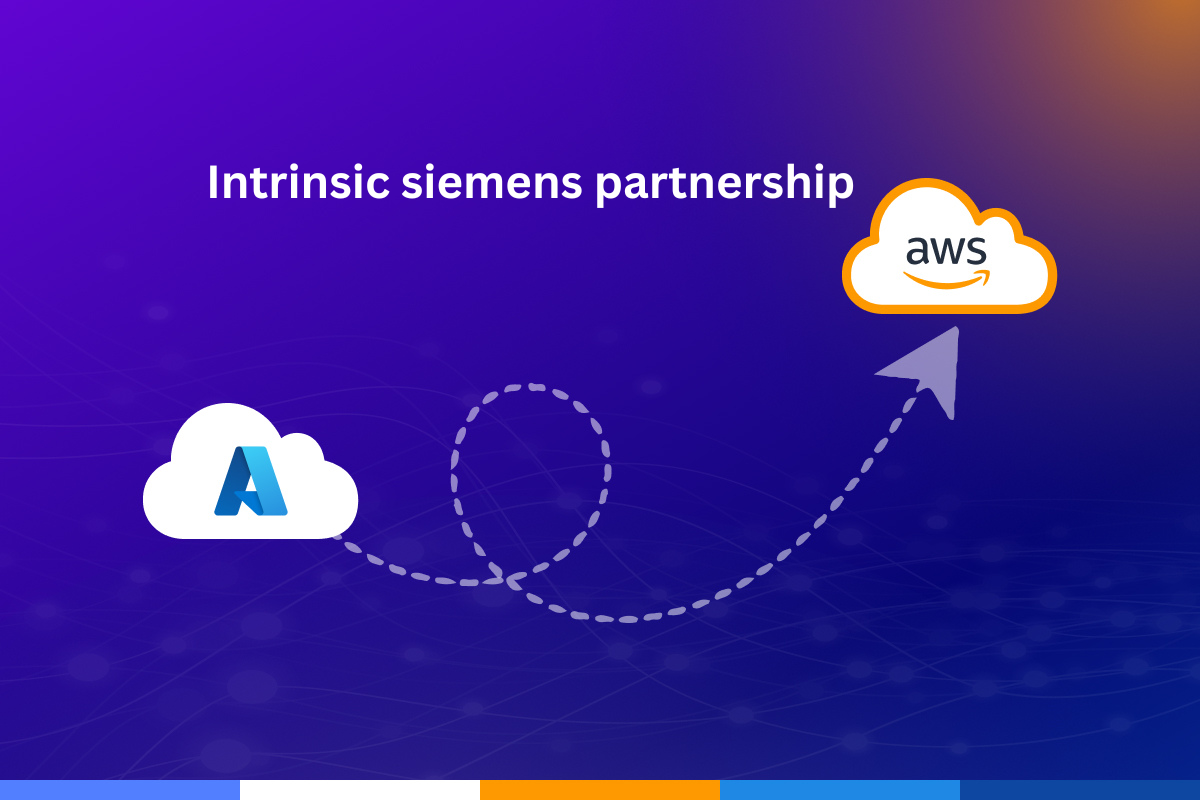
Lift and Shift Azure Migration is one of the most practical ways for businesses to move their existing systems into the cloud without making major changes. It focuses on transferring applications, databases, and workloads from on-premises infrastructure to cloud platforms while keeping everything almost identical. This makes it a preferred choice for companies that want fast migration with minimal risk.
In today’s digital world, organizations are rapidly moving toward cloud adoption. However, not every company is ready to rebuild its applications from scratch. This is where Lift and Shift Azure Migration becomes valuable. It allows businesses to move quickly into cloud environments like Microsoft Azure without redesigning their systems.
Many enterprises use this method as their first step toward modernization because it is simple, fast, and reliable.
What is Lift and Shift Migration?
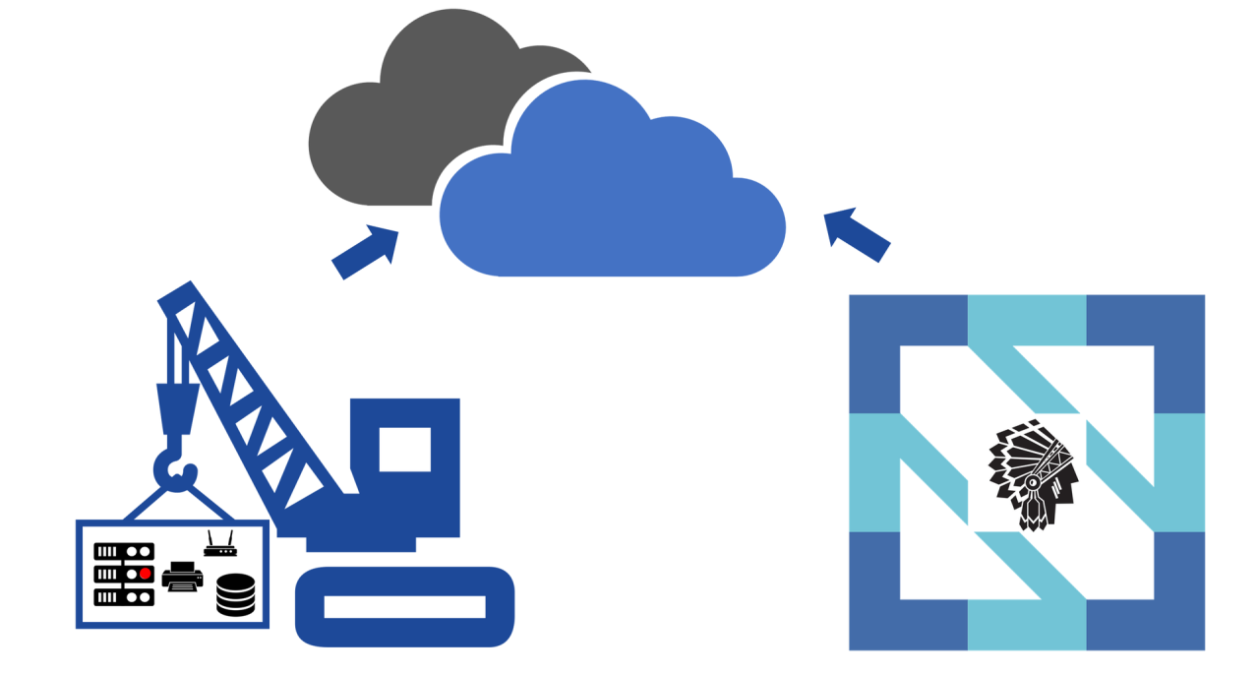
Lift and Shift Azure Migration refers to the process of moving applications from traditional servers or data centers into the cloud without modifying their core structure. It is also known as “rehosting” because the application is hosted in a new environment without changes.
In this approach, businesses do not rewrite code or redesign architecture. Instead, they move the application exactly as it is into cloud infrastructure. This makes migration faster and easier compared to other strategies.
For example, a company running a payroll system on physical servers can move it directly to virtual machines in Microsoft Azure without changing the software itself.
This method is widely used for legacy systems that still work efficiently but are costly to maintain on-premises.
📊 Lift and Shift Azure Migration – Detailed Bio Table
| Category | Details |
| Concept Name | Lift and Shift Azure Migration |
| Other Name | Rehosting |
| Definition | A cloud migration strategy where existing applications are moved from on-premises servers to cloud infrastructure without changing their architecture or code. |
| Purpose | To quickly migrate systems to the cloud with minimal disruption and cost in the short term. |
| Primary Platform Used | Microsoft Azure |
| Migration Type | Infrastructure migration (as-is transfer) |
| Code Changes Required | None or very minimal |
| Best For | Legacy applications, stable workloads, urgent cloud adoption needs |
| Complexity Level | Low |
| Implementation Speed | Fast (days to weeks depending on system size) |
| Risk Level | Low compared to full redesign migrations |
| Cost Structure | Lower initial cost, possible higher long-term operational cost |
| Main Advantage | Quick migration with minimal disruption |
| Main Limitation | Limited cloud optimization and performance improvements |
| Scalability | High after migration due to cloud infrastructure |
| Security Features | Cloud-native security tools like encryption, identity management, and monitoring |
| Common Tools Used | Azure Migrate, Azure Site Recovery, Database Migration Service |
| Downtime Risk | Low if properly planned and tested |
| Business Impact | Improved availability and reduced dependency on physical infrastructure |
| Optimization Level | Low initially, can be improved after migration |
| Post-Migration Need | Performance tuning and cost optimization |
| Typical Users | Enterprises, government systems, large businesses with legacy IT systems |
| Future Strategy Link | Often a first step before modernization (refactoring or replatforming) |
How the Migration Process Works
The process begins with analyzing the existing IT environment. Companies review applications, databases, and system dependencies to understand how everything is connected. This step is very important because missing dependencies can lead to issues after migration.
After analysis, planning begins. IT teams decide which systems will be moved first and how they will be deployed in the cloud. They also prepare virtual machines, storage, and networking in Microsoft Azure.
Next comes the actual migration stage. Applications and data are transferred using migration tools. Once the transfer is complete, testing is performed to ensure everything works correctly.
Finally, systems are switched to the cloud environment and users start accessing the new setup.
Benefits of Cloud Rehosting
One of the biggest advantages of Lift and Shift Azure Migration is speed. Since applications are not redesigned, companies can move to the cloud quickly.
Another benefit is reduced risk. Because the system remains unchanged, there is less chance of errors during migration. This makes it suitable for critical applications.
It also reduces infrastructure management effort. Businesses no longer need to maintain physical servers, which lowers operational overhead.
Scalability is another strong benefit. Once systems are hosted in Microsoft Azure, resources can be scaled up or down depending on demand.
This flexibility helps organizations handle peak workloads without investing in new hardware.
Challenges and Limitations
Although Lift and Shift Azure Migration is useful, it also has limitations. One major issue is that applications are not optimized for the cloud. Since no redesign takes place, systems may not fully use cloud-native features.
Another challenge is long-term cost. If applications are not optimized after migration, they may consume more resources than needed, leading to higher expenses.
Technical debt is also carried forward. Any inefficiencies in the original system remain unchanged in the cloud environment.
Security misconfiguration is another risk if systems are not properly set up in Microsoft Azure.
Real-World Example
A retail company running its inventory system on local servers faces performance issues during busy shopping seasons. Instead of rebuilding the system, the company chooses Lift and Shift Azure Migration.
They move the application into virtual machines in Microsoft Azure. The system continues working the same way but now has better scalability and reliability.
During peak demand, the company can increase resources instantly, ensuring smooth operations without downtime.
This shows how Lift and Shift Azure Migration helps businesses modernize quickly without complex redevelopment.
Best Practices for Success
Successful migration requires proper planning. Companies must first analyze their infrastructure and identify dependencies between systems.
Testing is also important before full migration. Pilot migrations help detect issues early and reduce risks.
After migration, continuous monitoring ensures system stability and performance.
Security must be carefully configured to protect sensitive data in cloud environments like Microsoft Azure.
These practices ensure smooth and reliable migration results.
Future of Cloud Migration Strategy
Lift and Shift is often the starting point of a broader cloud journey. Many organizations begin with this approach and later move toward more advanced modernization strategies such as refactoring or replatforming.
Even today, Lift and Shift Azure Migration remains highly relevant because it provides a quick and safe way to adopt cloud technology.
As cloud computing continues to evolve, businesses will continue using this strategy as a foundation before transitioning to fully cloud-native architectures.
Conclusion
Lift and Shift Azure Migration is a practical and efficient way for businesses to move into the cloud without redesigning their systems. It offers speed, simplicity, and reduced risk, making it a popular choice for enterprises of all sizes.
While it does not fully optimize applications, it provides a strong starting point for cloud adoption and digital transformation. With platforms like Microsoft Azure, organizations can migrate quickly and safely while preparing for future modernization.
In the end, Lift and Shift Azure Migration is not just a technical process—it is a strategic move toward a more flexible and scalable digital future
FAQs
Q: What is Lift and Shift Azure Migration?
A: It is the process of moving applications from on-premises servers to cloud platforms like Microsoft Azure without changing their core structure.
Q: Why do companies use Lift and Shift Azure Migration?
A: Companies use it for fast migration, low risk, and minimal changes to existing systems.
Q: Do applications need coding changes in Lift and Shift Azure Migration?
A: No, applications are moved as they are without rewriting or redesigning code.
Q: Is Lift and Shift Azure Migration cost-effective?
A: It is cost-effective in the short term, but long-term costs may increase if systems are not optimized.
Q: What is the main benefit of Lift and Shift Azure Migration?
A: The main benefit is quick cloud adoption with reduced downtime and minimal disruption.